
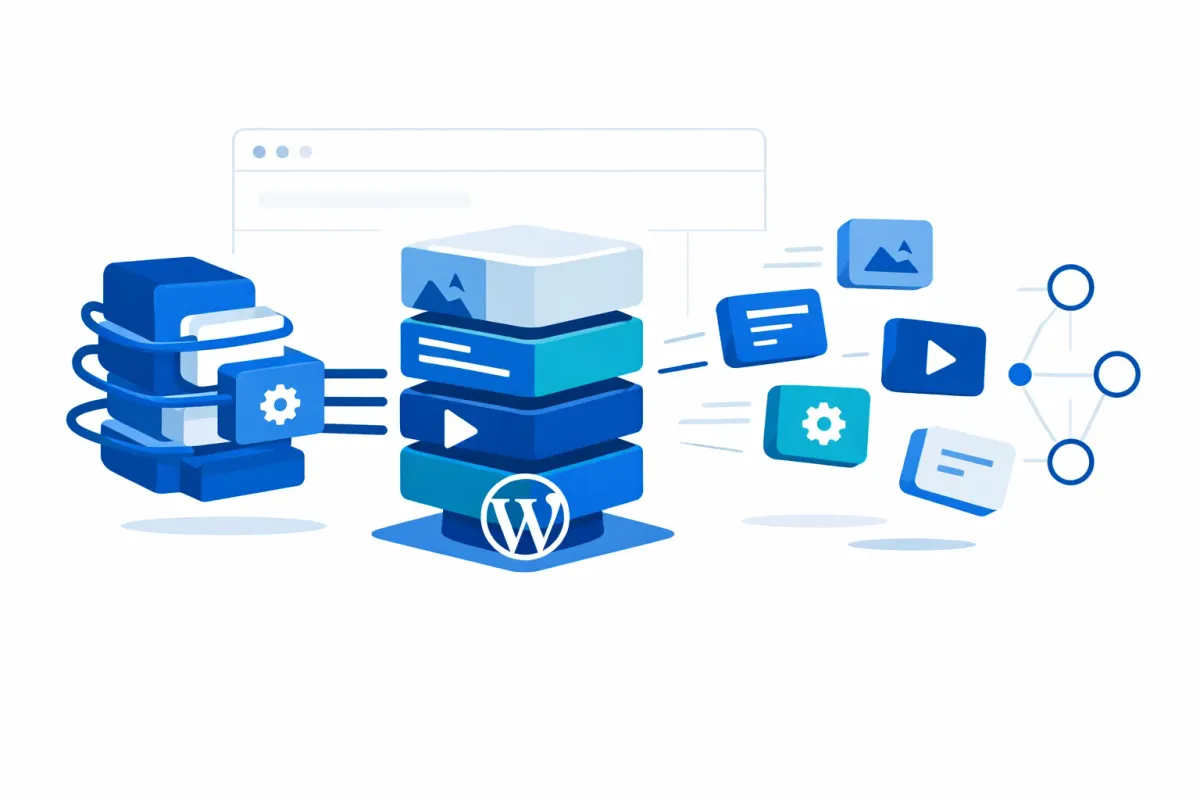
WordPress Content Portability Strategies: 2026 Guide
Assess your WordPress content portability risk with this strategic framework. Compare Markdown, blocks, HTML, and structured fields for long-term flexibility.
WordPress Content Portability in 2026: Why Your Format Choices Matter More Than Ever
WordPress 7.0 arrives April 9 with a mandatory iframed editor requiring block.json apiVersion 3. For content teams, this means format choices made today directly shape how portable your content will be tomorrow. Yet most WordPress content portability strategies focus on the moment of migration — what tools to use, what buttons to click — rather than the architectural decisions during authoring that determine whether migration is painless or painful.
WordPress content portability strategies are proactive format decisions made during content creation that determine how easily your content can be transferred between WordPress installations, exported to other platforms, or delivered through APIs. These decisions — choosing between Markdown, native blocks, structured fields, or raw HTML — directly impact long-term content flexibility and migration cost.
This analysis provides a framework for making those decisions before you write a single post.
The Portability Spectrum: Three Scenarios, Three Risk Profiles
Not all portability needs are equal. Moving content between two WordPress installations is fundamentally different from moving it to a headless frontend or another CMS entirely. The scenario you plan for determines which format you should choose.
WordPress-to-WordPress transfers benefit from the built-in WXR export system. Core block content, taxonomies, and custom fields move reliably. The primary risk is plugin-dependent content that requires the same plugins on both installations.
WordPress-to-headless scenarios (delivering content to Next.js, Astro, or similar frontends via REST API or WPGraphQL) reward structured, API-friendly content. Blocks are API-accessible, but richer block markup means more parsing on the frontend.
WordPress-to-other-CMS moves are the hardest. Block comment delimiters (<!-- wp:paragraph -->) are WordPress-specific. The target platform must parse or strip them. Page builder shortcodes and proprietary data structures fare worse — they often produce unusable output outside their source environment. This is where WordPress content vendor lock-in becomes most visible: the format you chose during authoring determines whether migration is a weekend project or a months-long rebuild.
Identify which scenario is most likely for your organization over the next two to three years. That answer should drive every format decision that follows.
Block Type Risk Classification
With WordPress 7.0 currently in beta (RC1 expected March 19, final release April 9), the apiVersion 3 requirement adds a new dimension to block portability risk.
| Block Type | Portability Risk | WP-to-WP | WP-to-Headless | WP-to-Other | apiVersion 3 Impact |
|---|---|---|---|---|---|
| Core blocks (paragraph, heading, image, list, quote, table) | Low | High | Moderate | Low-Moderate | Ready — maintained by core team |
| Core block patterns | Low | High | Moderate | Low-Moderate | Ready — composed of core blocks |
| Well-maintained third-party blocks (e.g., Kadence, GenerateBlocks) | Moderate | Conditional | Low | Very Low | Varies — check plugin update status |
| Page builders (Elementor, Divi, WPBakery) | High | Conditional | Very Low | Very Low | Dependent on vendor updates |
| Shortcode-dependent content | High | Conditional | Very Low | Very Low | N/A — not block-based |
| Blocks from abandoned plugins | Critical | Broken | Broken | Broken | Will not be updated |
| Dynamic blocks (server-rendered) | Moderate-High | High | Low | Very Low | Varies by plugin |
The key insight: core blocks store content as standard HTML wrapped in comment delimiters. Browsers ignore HTML comments, so core block content degrades to valid, readable HTML even outside WordPress. Third-party blocks use namespaced delimiters (wp:vendor/blockname) that require plugin knowledge to render — deactivate the plugin and you lose formatting, styling, or both.
The apiVersion 3 requirement amplifies existing risk. Blocks not updated for the iframed editor may break in WordPress 7.0. Content authored with those blocks faces orphaning — markup persists in the database but no longer renders correctly. This makes choosing core blocks wherever possible a portability decision, not just a development preference.
Content Portability Format Decision Matrix
When evaluating your authoring format, match it to your portability vector.
Core blocks (static) are the best default for teams staying within WordPress. Content is portable across installations and readable by the REST API. The tradeoff: block comment syntax is WordPress-specific, so moving to a non-WordPress CMS requires parsing.
Markdown is the most universally portable, format-agnostic option. It works across static site generators, documentation platforms, and virtually any CMS. If cross-platform portability is your primary concern, Markdown as your content layer eliminates the most lock-in risk. The tradeoff: you give up block editor richness and layout control.
ACF structured data excels for headless delivery. Field definitions are portable via Local JSON (version-controllable JSON files), making schemas transferable. Field data, however, lives in wp_postmeta and requires specialized export. Complex field types like Repeater and Flexible Content have no universal equivalent — a distinction between definition portability and data portability that is rarely discussed.
Classic HTML (via the Classic block) offers near-universal rendering. Every platform can consume raw HTML. But you lose structured data entirely — no metadata, no fields, no API-friendly content model.
WordPress 7.0 and the Data Liberation Roadmap
WordPress itself is investing in portability. The Data Liberation project outlines a five-phase roadmap to make content ownership practical. Phases 1 and 2 are ongoing, covering migration guides and structured data import/export (with improved link updating, media copying, and error recovery). Phase 3 has started, focusing on liberating data from closed platforms. Phases 4 and 5 — WordPress-to-WordPress synchronization and WordPress as a content creation hub — are planned for the future.
Meanwhile, WooCommerce Blueprints (WC 9.9+) demonstrates the direction: JSON-based, Playground-compatible store configuration export. This pattern — structured, portable, standard formats — signals where WordPress tooling is headed.
For teams preparing for WordPress 7.0, the convergence is clear: the platform is moving toward more portable, structured content. Aligning your format choices with that direction reduces friction now and at upgrade time.
Four Questions Before You Choose Your Authoring Format
Before committing to a content format, every content team should answer these questions:
-
What is your most likely migration scenario? WP-to-WP, WP-to-headless, or WP-to-other-CMS? This determines whether block fidelity or format universality matters more.
-
How many third-party block plugins do you depend on? Each dependency is a portability liability. Audit your block usage and identify which content would survive plugin deactivation.
-
Do you deliver content through APIs today, or will you within two years? If yes, structured data (ACF fields, REST API endpoints) should be part of your authoring layer now — retrofitting is expensive.
-
Is your content team willing to trade editor convenience for portability? Markdown and core blocks are more portable but less visually flexible than page builders. That tradeoff must be a conscious decision, not an accident.
The format decisions you make during authoring are the single largest factor in your content’s long-term portability. Migration tools help with the mechanics, but they cannot fix a content architecture that was never designed to move. When you are ready to act on these decisions, the WordPress content migration checklist provides a step-by-step execution plan.
Want portability insights like this delivered to your inbox? Subscribe to the Summix newsletter for strategic WordPress content guidance.
Sources & References
This article draws from authoritative sources including:
Official Documentation:
- Block Editor Handbook: Markup Representation of a Block — Block storage model and serialization format
- Preparing the Post Editor for Full iframe Integration — WordPress 7.0 apiVersion 3 requirements
- WordPress Data Liberation Project — Five-phase portability roadmap
- ACF Local JSON Documentation — Field definition portability
Industry Analysis:
- When to Choose Core Blocks — rtCamp — Block selection guidance for portability
- WordPress 7.0 Beta 1 Announcement — Release timeline and feature overview