
WooCommerce 10.6 Checkout: 19% Fewer SQL Queries Explained
WooCommerce 10.6 cuts checkout SQL queries by 19% and adds lazy-loaded images. Here's what these performance improvements mean for your store before you update.
What WooCommerce 10.6 Checkout Changes Mean for Store Performance
WooCommerce 10.6 lands on March 10, 2026, and the headline number is worth paying attention to: a 19% reduction in SQL queries on checkout pages. For context, Google and Deloitte found that even a 0.1-second mobile speed improvement can lift conversions by 8.4% for retail sites. With cart abandonment averaging 70.22% across 50 studies, every millisecond your checkout shaves off matters.
Here is what the WooCommerce 10.6 developer preview changes, who benefits most, and what to verify before you update.
Disclaimer: Performance data in this article is based on the developer preview. Verify benchmarks against the stable 10.6 release.
What Changed in WooCommerce 10.6 Checkout
The changes span database efficiency, visual checkout design, and frontend performance. Here is what is shipping:
-
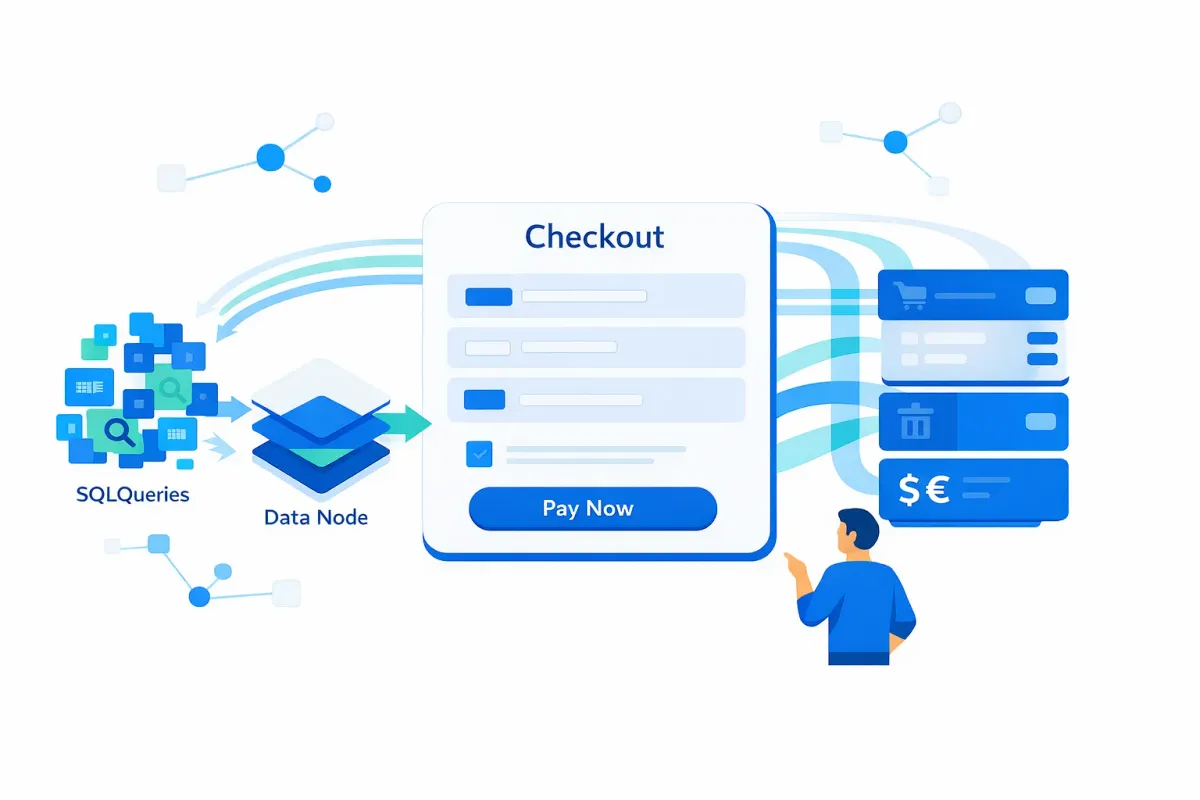
Deferred transient deletion. WooCommerce previously cleaned up expired transients during checkout page loads, adding database queries to every request. Version 10.6 moves this cleanup to a background process, dropping checkout SQL queries from 231 to 188 in development benchmarks. This is automatic — no configuration needed.
-
REST API caching for taxes and currencies. Building on the experimental REST API caching introduced in WooCommerce 10.5, version 10.6 extends cached responses to tax rates, currencies, countries, and continent endpoints. In 10.5 testing, cached responses showed 60-70% faster response times. Multi-currency stores and headless storefronts stand to gain the most here.
-
Lazy-loaded product images by default. The Product Image block now ships with
loading="lazy"enabled, which defers offscreen images until a shopper scrolls near them. This should improve Largest Contentful Paint (LCP) scores on product listing pages. If your hero product image sits above the fold, you can override this with the newwoocommerce_product_image_loading_attrfilter set to'eager'. -
Cart and checkout block visual redesign. A compact trash icon (24x24px) replaces the text “Remove item” link. Sale badges shift from bordered boxes below prices to inline displays using your theme colors. Variation metadata now renders in a more compact inline format. These changes reduce visual clutter during the most conversion-sensitive moment of the shopping journey.
-
Low-stock badge removal. The “Only X remaining” badge has been removed from checkout blocks in the developer preview. If your store uses urgency messaging as a conversion tactic, you will need a plugin or custom block to restore this behavior.
-
Consolidated cache priming. Related product and upsell lookups now share a single primed cache instead of running separate queries, reducing redundant database calls on product pages.
What This Means for Store Performance
The SQL query reduction is the most consequential change, but its impact is not uniform across all stores.
Who benefits most: According to WooCommerce development data, roughly 83% of WooCommerce installations run without a persistent object cache like Redis or Memcached. These stores — typically on shared or entry-level managed hosting — hit the database directly for every transient lookup. Dropping 43 queries per checkout page load translates to measurable improvements: P95 response times improved approximately 11% (from ~244ms to ~217ms) in development benchmarks, with median response times improving about 4%.
Who sees less impact: Stores already running Redis or Memcached handle transient reads from memory, so the deferred deletion change yields minimal gains. If you already have object caching configured, the REST API caching expansion and lazy loading are the more relevant upgrades for your setup.
The broader trajectory matters. Recent WooCommerce releases have systematically targeted database overhead: WooCommerce 10.5 analytics performance improvements delivered scheduled imports and API caching, and now 10.6 targets checkout efficiency. The cumulative effect across recent versions is more significant than any single release in isolation.
For stores running on shared hosting with 500+ products, the combined effect of fewer checkout queries, cached tax lookups, and lazy-loaded images should produce a noticeable improvement in page-load metrics. The impact on conversion rates will depend on your baseline speed, product catalog size, and checkout customization complexity.
The Breaking Change to Watch
WooCommerce 10.6 introduces a restriction on the Store API’s per_page parameter. Requests to /wc/store/products and /wc/store/products/reviews with per_page=0 (which previously returned all results in a single response) will now return a 400 error.
Who is affected: Custom themes, headless storefronts, and third-party plugins that fetch full product catalogs through the Store API in a single call. This is a silent failure — there is no deprecation warning in 10.5, so the 400 error will appear only after updating.
What to do: Replace per_page=0 with paginated requests using per_page=100&page={page} and iterate through results. Test this migration in staging before deploying the 10.6 update to production.
Before You Update: WooCommerce 10.6 Checklist
Run through these steps before and after applying the update:
-
Test on staging first. Clone your production environment and apply the 10.6 update there. If your hosting provider does not offer one-click staging, use a local development tool like wp-env or LocalWP.
-
Audit Store API calls for
per_page=0. Search your theme, custom plugin code, and any headless frontend for Store API requests that passper_page=0. Migrate these to paginated requests before updating. -
Benchmark your current checkout speed. Use Query Monitor to record your checkout page’s SQL query count and total page generation time under 10.5. You will want a baseline to compare against after updating.
-
Verify plugin compatibility. Check that your payment gateway, checkout field, and shipping rate plugins have confirmed 10.6 compatibility. The WooCommerce 10.5 release caused RestApiCache fatal errors in some configurations — update caution is earned.
-
Confirm your HPOS status. The database optimizations in 10.6 operate within the High-Performance Order Storage architecture. If you have not migrated yet, review the HPOS migration checklist before updating.
-
Check above-the-fold images. If your product listing pages feature a hero image, test whether the new default lazy loading causes a visible layout shift. Override with the
woocommerce_product_image_loading_attrfilter if needed. -
Re-benchmark after updating. Compare your post-update Query Monitor numbers against your pre-update baseline. If SQL queries on checkout did not drop, investigate whether a persistent object cache is already handling those lookups.
Bottom Line
The WooCommerce 10.6 checkout performance improvements are meaningful, particularly for the majority of stores running without object caching. The SQL query reduction is automatic, the visual updates streamline the cart experience, and the lazy loading default is a sensible performance win.
If you rely on Store API bulk fetches or urgency-based low-stock messaging, plan your migration before updating. For everyone else, test on staging, benchmark before and after, and expect incremental but real improvements to your checkout responsiveness.
The pattern across recent WooCommerce releases is clear: the team is systematically addressing the database and rendering overhead that store operators have flagged for years. That trajectory is worth paying attention to, release by release.