
Automating Gravity Forms Excel Exports Without Third-Party Services
Automate Gravity Forms Excel exports using native WordPress tools. Step-by-step GFAPI + PhpSpreadsheet + WP-Cron guide with email delivery and no paid add-ons.
Automating Gravity Forms Excel Exports Without Third-Party Services
Gravity Forms exports entries as CSV through a manual download — no Microsoft Excel format, no scheduling, no email delivery. If you have been opening those CSVs only to find mangled phone numbers, garbled dates, and broken accents, every existing guide solves that by selling you a plugin.
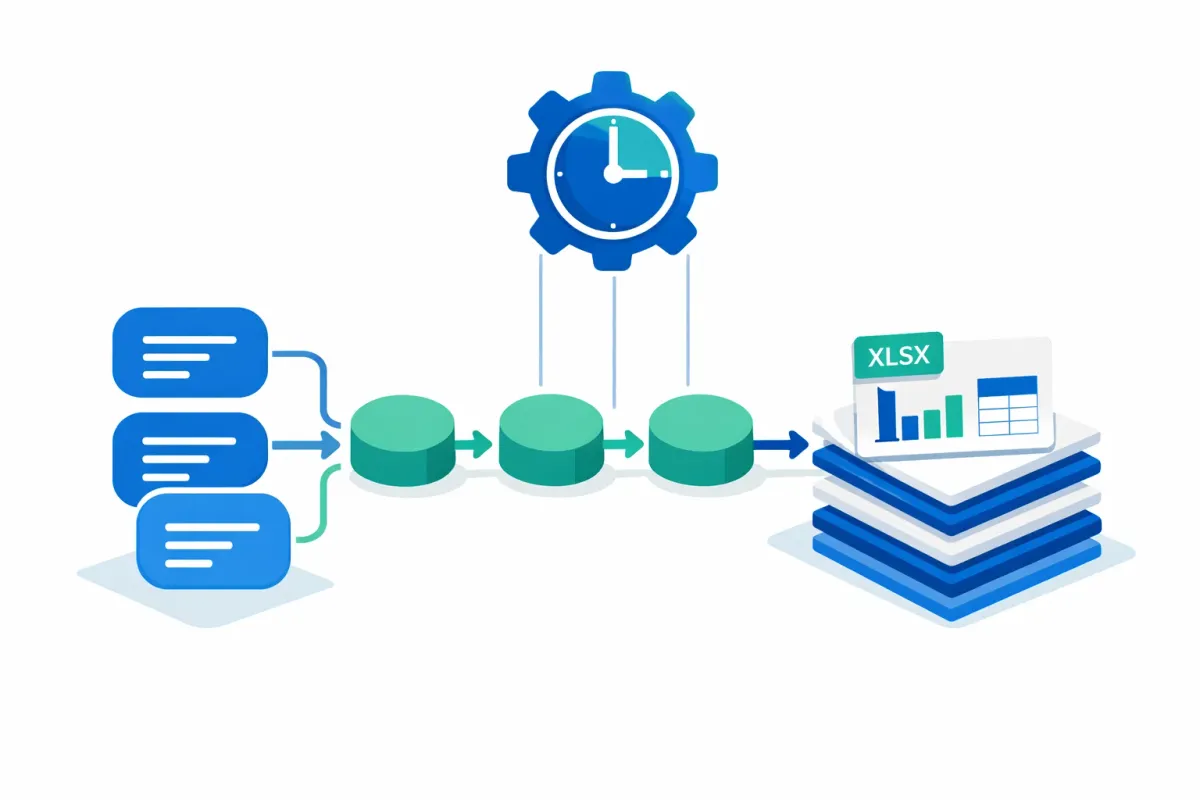
This tutorial builds an automated Excel (.xlsx) export and integration pipeline using native WordPress tools: GFAPI::get_entries() for retrieval, PhpSpreadsheet for XLSX generation, wp_schedule_event() for scheduling, and wp_mail() for delivery. Total recurring cost: zero.
Prefer a plugin-based approach? See our guide to entry automation data lifecycle management.
Steps Overview
To automate Gravity Forms Excel exports without paid add-ons:
- Install PhpSpreadsheet via Composer or the CBX WordPress plugin
- Write an export function using
GFAPI::get_entries()and PhpSpreadsheet - Register a WP-Cron event with
wp_schedule_event() - Replace pseudo-cron with a server-side cron job for reliable scheduling
- Configure email delivery with
wp_mail()and attachment cleanup
Why Gravity Forms XLSX Beats CSV for Excel Users
When Excel opens a CSV, it guesses data types — and guesses wrong often enough to cause real problems.
| Issue | CSV behavior | XLSX behavior |
|---|---|---|
| Leading zeros (phone, zip) | Stripped silently | Preserved |
| Date formatting | Locale-dependent interpretation | Stored as typed date |
| Special characters | Encoding errors without BOM | Native Unicode support |
| Mixed data types | Everything becomes text | Types distinguished per cell |
XLSX eliminates these ambiguities at the file level, which is why searches for “Gravity Forms export to Excel” outnumber CSV-specific queries.
Comparing Gravity Forms Export Methods
Before writing code, consider whether the native approach fits your situation. Gravity Forms does not export to Excel natively — you can add XLSX output using PhpSpreadsheet (free, with code) or a plugin like GravityExport Lite (free, no code).
How the four main Gravity Forms export methods compare across cost, format, scheduling, and delivery:
| Method | Cost | XLSX | Scheduling | Email delivery | Code required |
|---|---|---|---|---|---|
| Native (GFAPI + PhpSpreadsheet + WP-Cron) | Free | Yes | Full cron control | Yes (wp_mail) | Yes (PHP) |
| GravityExport Lite | Free | Yes | No | No | No |
| GravityExport Premium | $99/yr (promotional pricing may apply) | Yes | Via cron setup | No | No |
| Entry Automation | $180/yr | Yes | Yes | Yes | No |
The native approach gives you full control at zero cost but requires PHP comfort. GravityExport Lite handles one-off XLSX downloads without code. Entry Automation adds scheduling, delivery, and data lifecycle management.
Building a Gravity Forms Excel Export with GFAPI and PhpSpreadsheet
This function retrieves entries and generates an XLSX file. Date-based filtering ensures each run exports only new entries since the last execution.
Prerequisites: PHP 8.1+, PhpSpreadsheet via Composer (composer require phpoffice/phpspreadsheet) or the CBX PhpSpreadsheet WordPress plugin, and the ext-zip, ext-xml, and ext-gd PHP extensions.
use PhpOffice\PhpSpreadsheet\Spreadsheet;
use PhpOffice\PhpSpreadsheet\Writer\Xlsx;

function gf_export_entries_to_xlsx( $form_id ) {
    // Only export entries created since last run.
    $last_run = get_option( 'gf_export_last_run', date( 'Y-m-d H:i:s', strtotime( '-1 day' ) ) );

    $search_criteria = array(
        'status'     => 'active',
        'start_date' => $last_run,
        'end_date'   => current_time( 'mysql', true ),
    );

    $entries = GFAPI::get_entries( $form_id, $search_criteria );

    if ( empty( $entries ) ) {
        return false; // Nothing new to export.
    }

    // Build the spreadsheet.
    $form  = GFAPI::get_form( $form_id );
    $sheet = ( new Spreadsheet() )->getActiveSheet();

    // Write column headers from form field labels.
    $col = 1;
    $field_ids = array();
    foreach ( $form['fields'] as $field ) {
        $sheet->setCellValue( [ $col, 1 ], $field->label );
        $field_ids[] = $field->id;
        $col++;
    }

    // Write entry data.
    $row = 2;
    foreach ( $entries as $entry ) {
        $col = 1;
        foreach ( $field_ids as $fid ) {
            $sheet->setCellValue( [ $col, $row ], rgar( $entry, $fid ) );
            $col++;
        }
        $row++;
    }

    // Save to a temp file (never publicly accessible).
    $file_path = sys_get_temp_dir() . '/gf-export-' . $form_id . '-' . time() . '.xlsx';
    ( new Xlsx( $sheet->getParent() ) )->save( $file_path );

    // Record this run for incremental filtering.
    update_option( 'gf_export_last_run', current_time( 'mysql', true ) );

    return $file_path;
}
Key decisions in this code:
sys_get_temp_dir()writes the file outside the web root, so form data is never publicly accessible. For persistent storage, use a directory protected by an.htaccessdeny rule.get_option()/update_option()tracks the last run timestamp for incremental exports.GFAPI::get_entries()supports date filtering and pagination. For high-volume forms, add apagingparameter to process entries in batches of 200.
For more advanced form-to-database workflows, the GFAPI also supports field-level filtering and custom sorting.
Scheduling Gravity Forms Exports with WP-Cron
Register a daily cron event that calls the export function. Add this to a custom plugin file.
// Schedule on activation.
register_activation_hook( __FILE__, function() {
    if ( ! wp_next_scheduled( 'gf_daily_xlsx_export' ) ) {
        wp_schedule_event( time(), 'daily', 'gf_daily_xlsx_export' );
    }
} );

// Run export + email on each event.
add_action( 'gf_daily_xlsx_export', function() {
    $file_path = gf_export_entries_to_xlsx( 5 ); // Your form ID.
    if ( $file_path ) {
        gf_email_export( $file_path );
    }
} );

// Clean up on deactivation.
register_deactivation_hook( __FILE__, function() {
    $timestamp = wp_next_scheduled( 'gf_daily_xlsx_export' );
    if ( $timestamp ) {
        wp_unschedule_event( $timestamp, 'gf_daily_xlsx_export' );
    }
} );
Fixing WP-Cron Reliability
WordPress pseudo-cron fires only on page visits. On low-traffic sites, exports may be delayed by hours. Fix this in two steps:
- Disable pseudo-cron in
wp-config.php:
define( 'DISABLE_WP_CRON', true );- Add a server-side cron job (via cPanel, SSH, or host control panel):
*/15 * * * * curl -s https://example.com/wp-cron.php?doing_wp_cron > /dev/null 2>&1This pings wp-cron.php every 15 minutes regardless of traffic. For a broader review, follow our WordPress automation audit checklist.
Email Delivery
Send the XLSX as an attachment, then delete the temporary file.
function gf_email_export( $file_path ) {
    $sent = wp_mail(
        '[email protected]',
        'Daily Gravity Forms Export — ' . date( 'Y-m-d' ),
        'Attached: form entries in Excel format.',
        array( 'Content-Type: text/html; charset=UTF-8' ),
        array( $file_path )
    );

    if ( $sent && file_exists( $file_path ) ) {
        unlink( $file_path );
    }
}
If wp_mail() fails silently, route email through authenticated SMTP using WP Mail SMTP. For exports larger than 10 MB, save to a protected directory and email a download link instead.
Troubleshooting Gravity Forms Export Errors
| Problem | Likely cause | Fix |
|---|---|---|
| Export times out | PHP max_execution_time too low | Batch entries in groups of 200; increase timeout |
| Empty or missing file | Directory write permissions | Verify sys_get_temp_dir() is writable; check ext-zip extension |
| Email never arrives | PHP mail() blocked | Configure SMTP via WP Mail SMTP |
| Cron does not fire | Pseudo-cron waiting for traffic | Switch to server-side cron |
| Memory exhaustion | PhpSpreadsheet loads full sheet | Set WP_MEMORY_LIMIT to 256M; paginate entries |
FAQ
Can Gravity Forms export directly to Excel? Not natively. The built-in export produces CSV only. For true XLSX output, use a plugin like GravityExport or the PhpSpreadsheet approach in this guide.
How do I schedule Gravity Forms exports automatically?
Register a recurring cron hook with wp_schedule_event() and attach your export function. Pair it with server-side cron for reliable timing.
Do I need a paid plugin to automate Gravity Forms exports? No. GFAPI + PhpSpreadsheet + WP-Cron is free. Paid plugins like Entry Automation ($180/yr) or GravityExport Premium ($99/yr) provide the same result without code — the trade-off is cost versus control.
You now have a complete pipeline: retrieve entries, generate Excel files, schedule the job, and deliver by email — all without recurring plugin costs. Test on a staging environment first, then deploy to production.
If your workflow requires entries to pass an approval step before appearing in exports, see our guide to Gravity Flow approval workflows.
For retention policies, GDPR cleanup, or task chaining, see our guide to entry automation data lifecycle management.
Get Gravity Forms automation tips in your inbox — subscribe to the Summix newsletter.